FormaKit3D ES Open the app

Documentation

How to use FormaKit3D and what each parameter of each tool does. It’s the same content as the app’s «Documentation» button.

How to use FormaKit3D

FormaKit3D is a toolbox for designing printable objects by moving parameters: you pick a tool, start from a preset, adjust the sizes and export a file ready for the slicer. Everything runs in your browser; nothing is uploaded to any server.

The workflow

  1. Choose the tool in the selector at the top of the panel («Tool»). Below it, a line sums up what it does.
  2. Tap a preset: it’s a complete design that works. Starting from a preset is much faster than starting from scratch, and it shows you parameter combinations that make sense.
  3. Adjust the parameters group by group, from top to bottom: first the overall sizes, then the details. Each parameter has a «?» button that explains what it does, what happens if you raise or lower it and which values are normally used.
  4. Look at the result in the viewer and read the warnings (below the viewer and in «Log»). Red warnings are critical: the part may come out wrong or not print at all.
  5. When it’s ready, go to the «Print» tab and export the 3MF (recommended) or the STL.

The viewer

  • «Assembled» shows the object put together, as it will be used.
  • «Exploded» separates the parts so you can see how they fit (lids, inserts, hinges, mold segments).
  • «On the bed» shows the parts rotated as they print and laid out on your printer’s bed. This is the orientation of the exported file.
  • «Dimensions» draws the main measurements; «Edges» highlights the edges; «Section» cuts the part with a plane so you can see inside (walls, cavities, threads).
  • «Overhangs» paints red the faces that point down more than 50° when printing: those would need supports. The tools are designed so this doesn’t happen; if you see red, check the parameter you just moved.
  • «Measure» lets you measure distances, radii and 3-point circles on the part.
  • Drag to rotate, wheel or pinch to zoom, right click or two fingers to pan. «Fit view» centers the view again.

The panel tabs

  • «Design»: the tool’s presets and parameters.
  • «Parts»: the list of parts to print, with their color. Change each one’s color to see how it will look or to assign filaments in the 3MF.
  • «Print»: export 3MF / STL / PNG capture, and suggested print settings (layer height, walls, infill, supports, estimated time and filament) for the printer chosen at the top right.
  • «Sell»: cost and suggested price, pack to sell (STL, 3MF, photos and spec sheet), preset catalog and client mode.
  • «Saved»: your designs saved in this browser, with a thumbnail. Export the library to move it to another computer.
  • Undo and redo (Ctrl+Z / Ctrl+Y) work per tool.

Warnings and log

  • Every time you change something, FormaKit3D checks the design and shows what it found: recommendations (blue), warnings (yellow) and critical problems (red).
  • New items show up for a moment over the viewer; the full history is in «Log», with what appeared and what was resolved.
  • If something is critical, when you export you’re asked whether you want to go back and fix it or export anyway.

Exporting and printing

  • Multicolor 3MF: each part is an object with its color, already placed on the bed and rotated for printing. Multicolor parts (inlaid text, bands) come out as an object with several parts: in the slicer you assign a filament to each part. This is the recommended option.
  • STL: one file per part, without color. It works with any slicer or to send out for printing.
  • The parts already come oriented to print without supports: don’t rotate them in the slicer unless you know why.
  • Most parts work with 0.2 mm layers, 2–3 walls and 15 % infill; the «Print» tab suggests values for each case.

Glossary

Wall
Thickness of the material on the sides. With a 0.4 mm nozzle, 1.2 mm is 3 lines: strong and fast. Less than 0.8 mm is fragile.
Floor / bottom
Thickness of the material underneath. 1.2–2 mm is enough for almost everything.
Clearance
Play left between two parts that fit together (lid and box, insert and compartment, bolt and nut). With too little it doesn’t go in; with too much it’s loose. 0.2–0.3 mm works on most well-calibrated printers.
Overhang
Part of the piece that hangs in the air while printing. Up to 45° from vertical prints without supports.
Bridge
Horizontal span between two supports. Short bridges (under 20 mm) print fine without support.
Chamfer / fillet
Bevel or curve on an edge. Besides looks, a 45° chamfer avoids overhangs.
Infill
Internal structure added by the slicer. FormaKit3D doesn’t set it: you choose it in the slicer (15–20 % for almost everything).
Vase mode
Slicer mode (spiral) that prints a single continuous wall with no seam. Some tools deliver a solid meant for that mode.
Heat-set insert
Brass nut pushed into a hole in the part with the soldering iron: it gives a durable metal thread.
Preset
A tested combination of parameters. Tapping it replaces the current parameters (your loaded files are kept).
All the tools

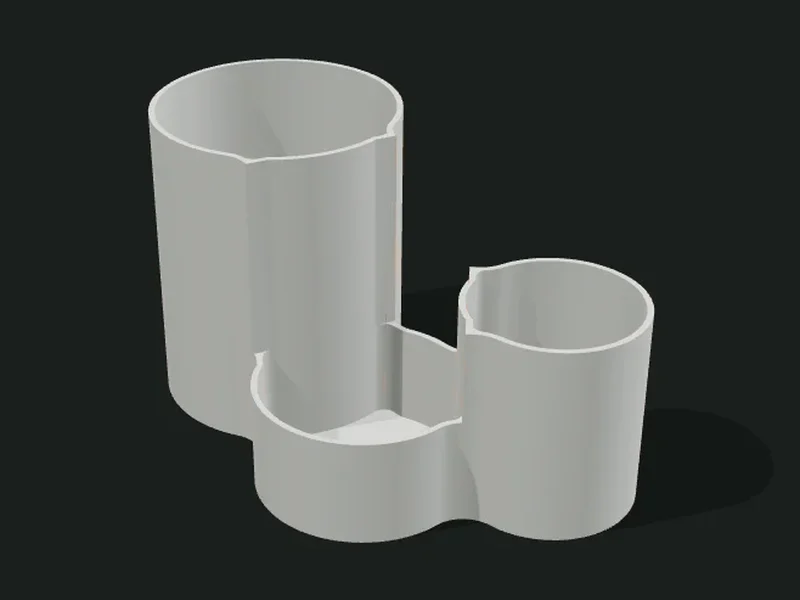
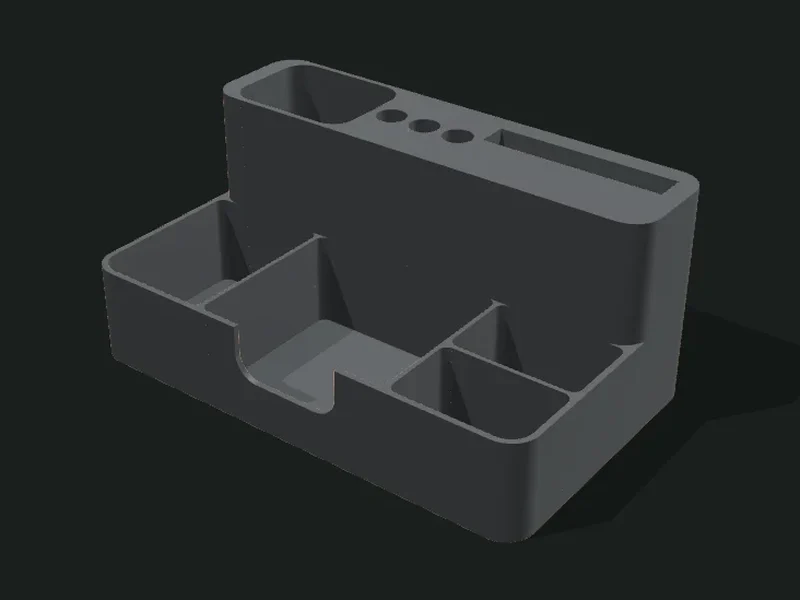
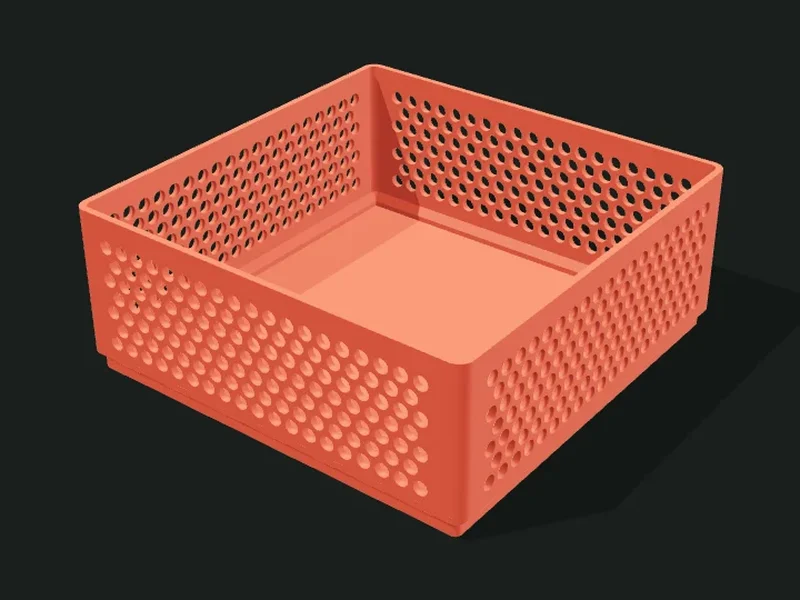
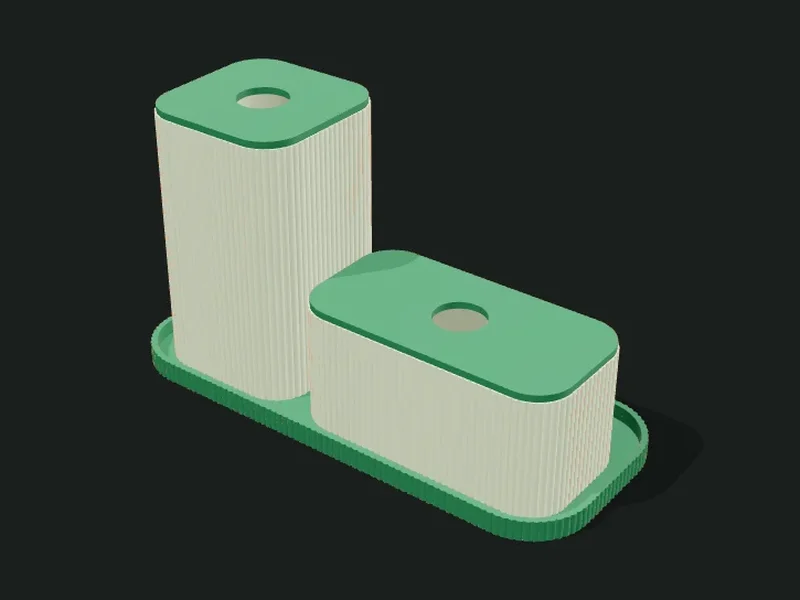
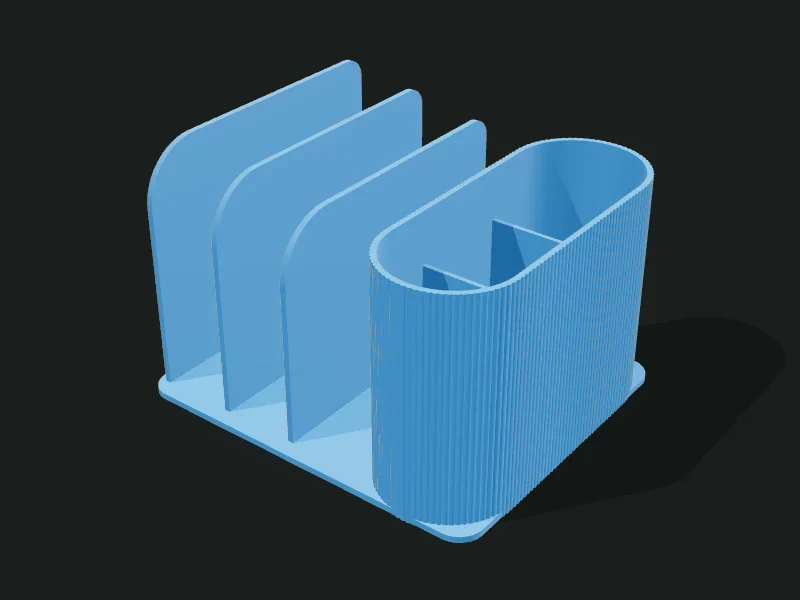
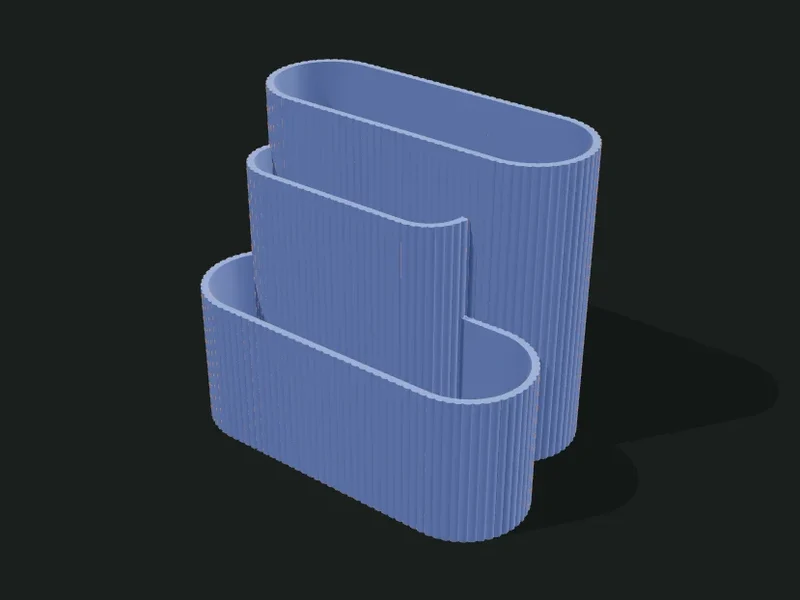
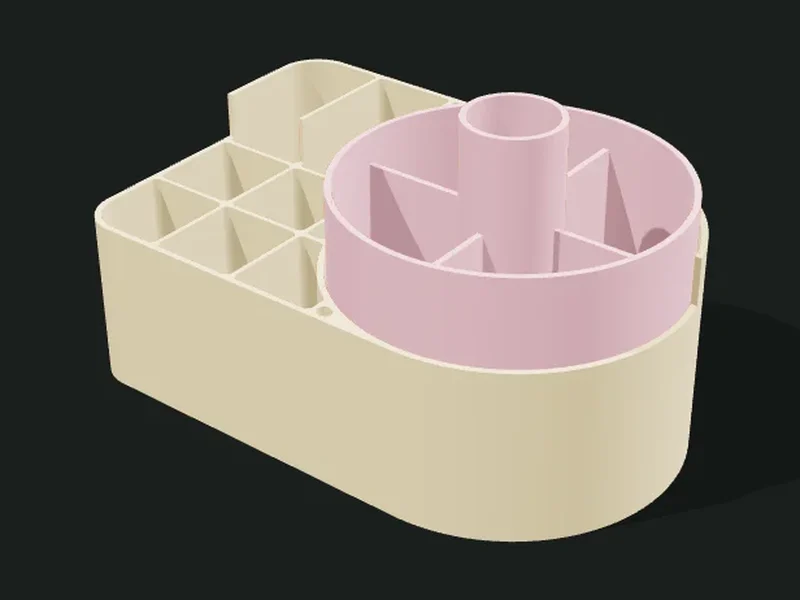
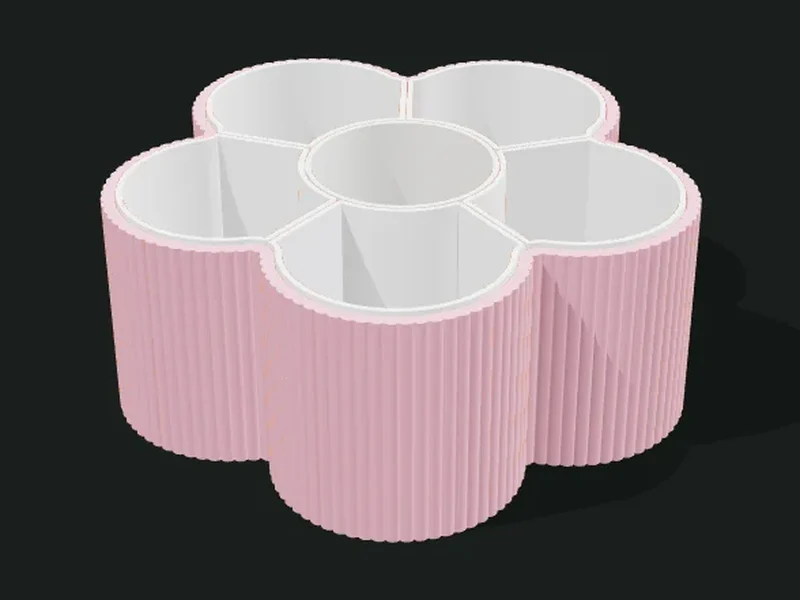
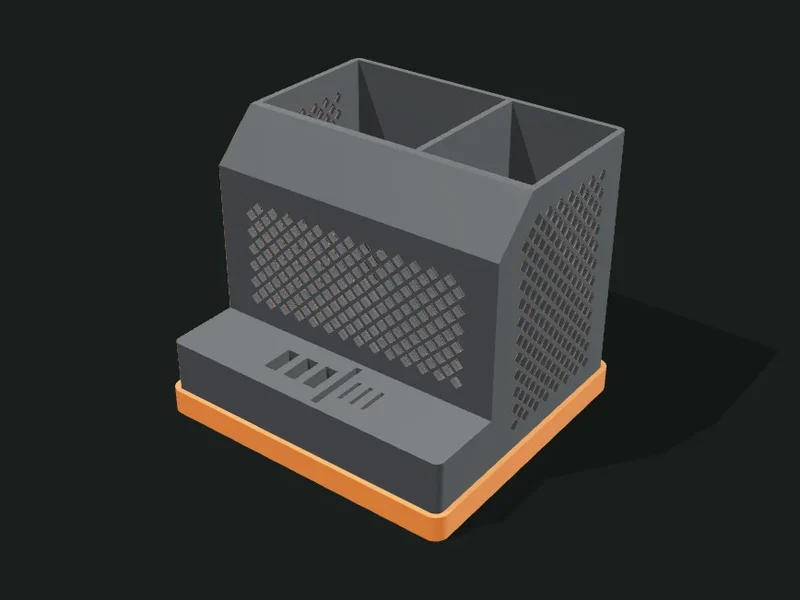
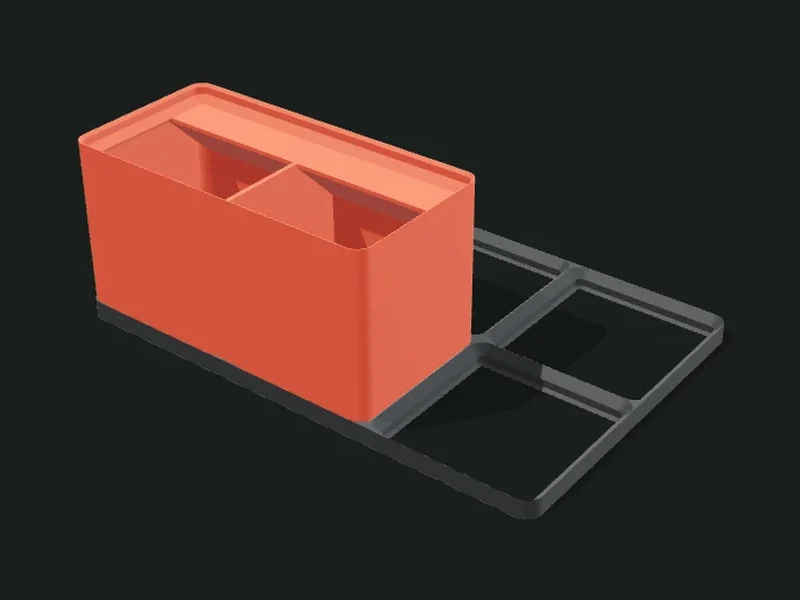
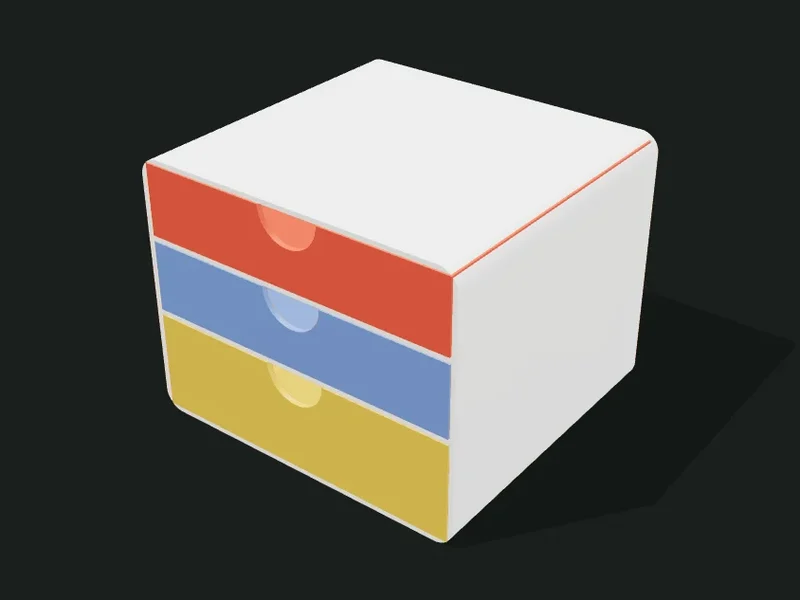
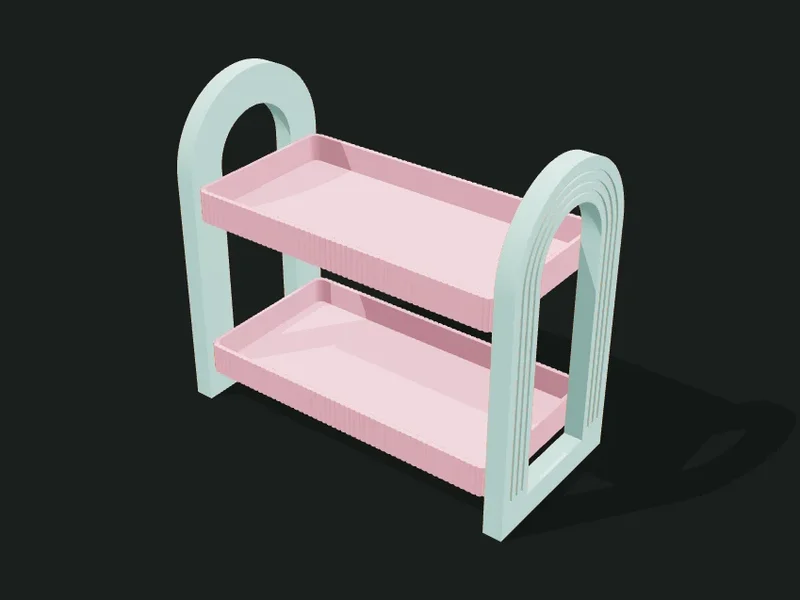
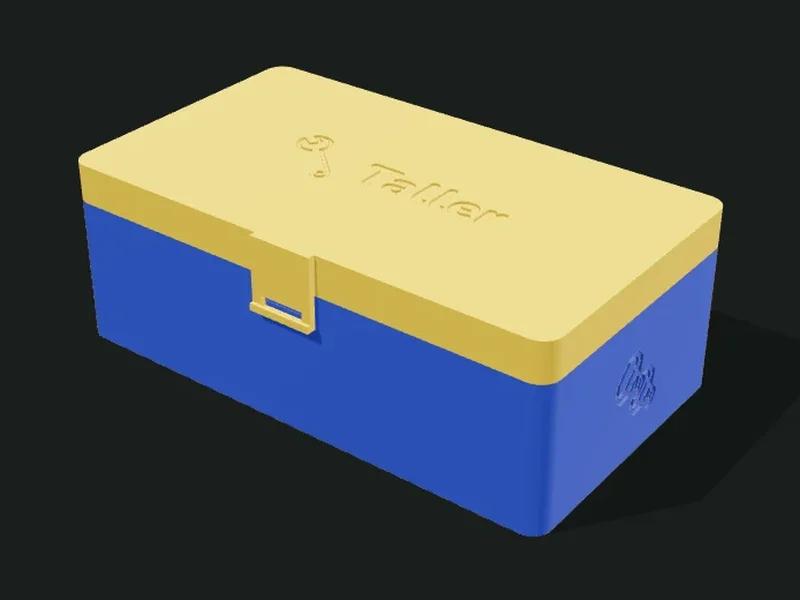
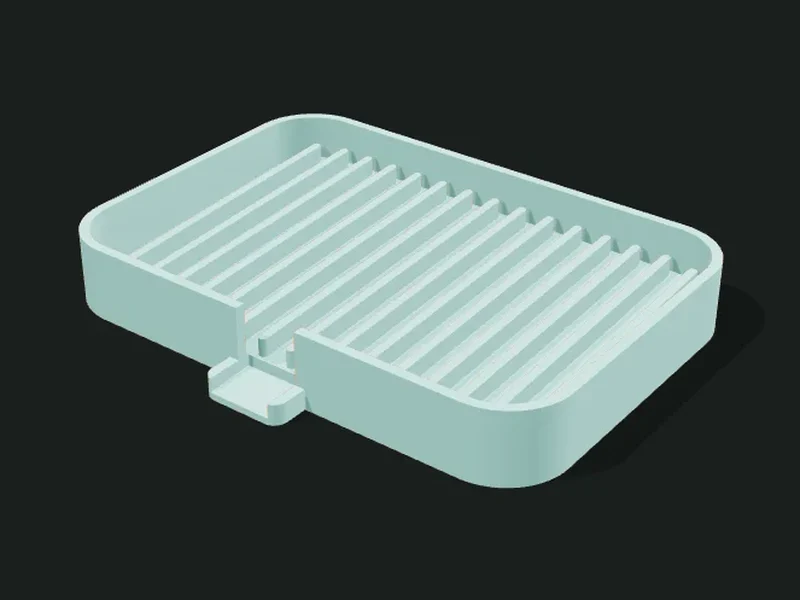
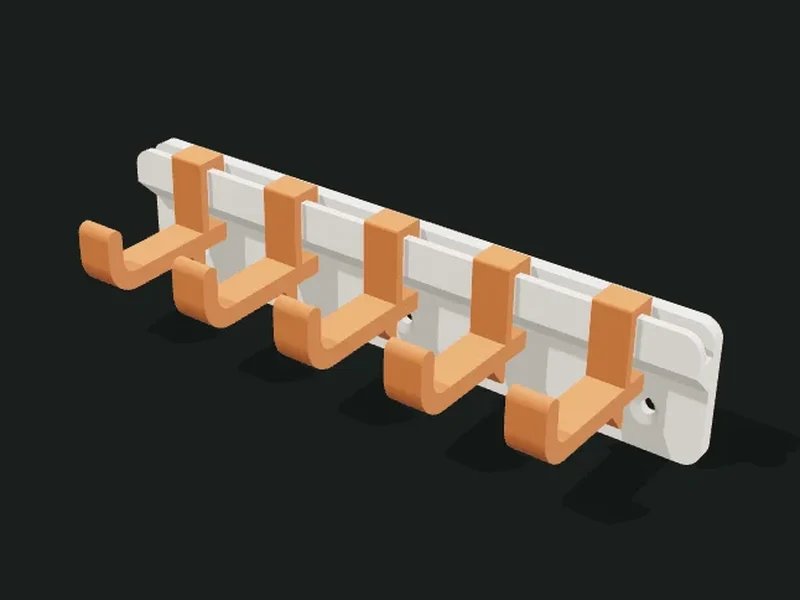
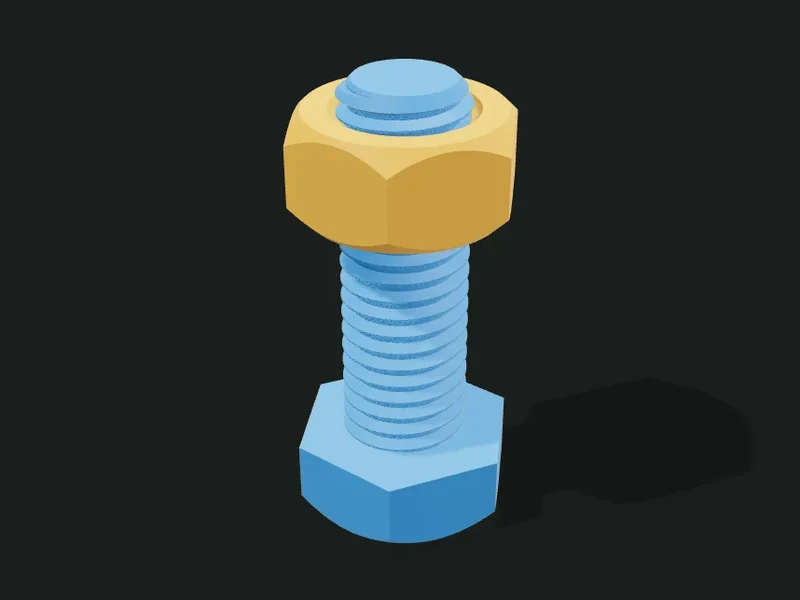
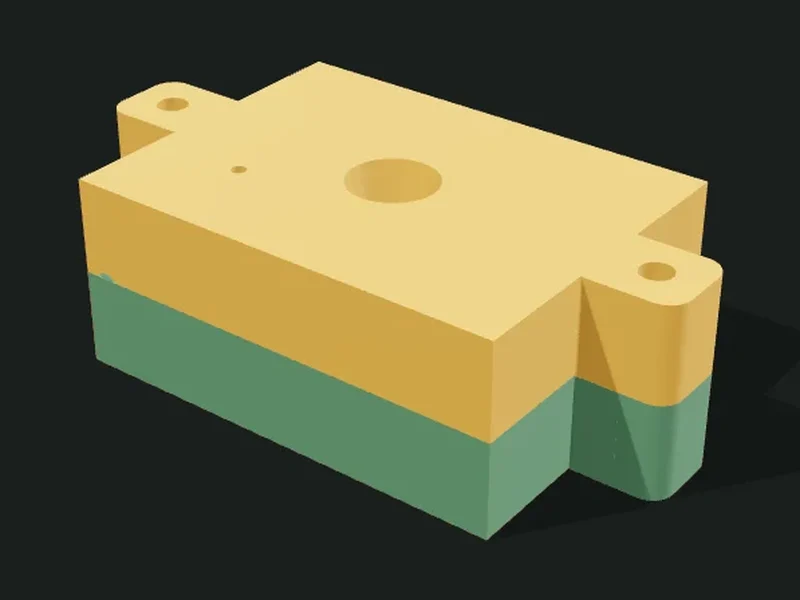
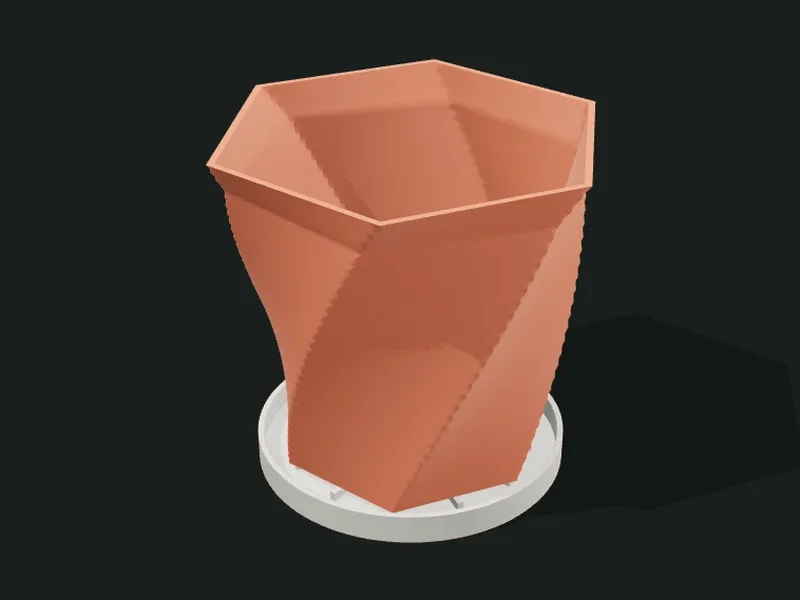
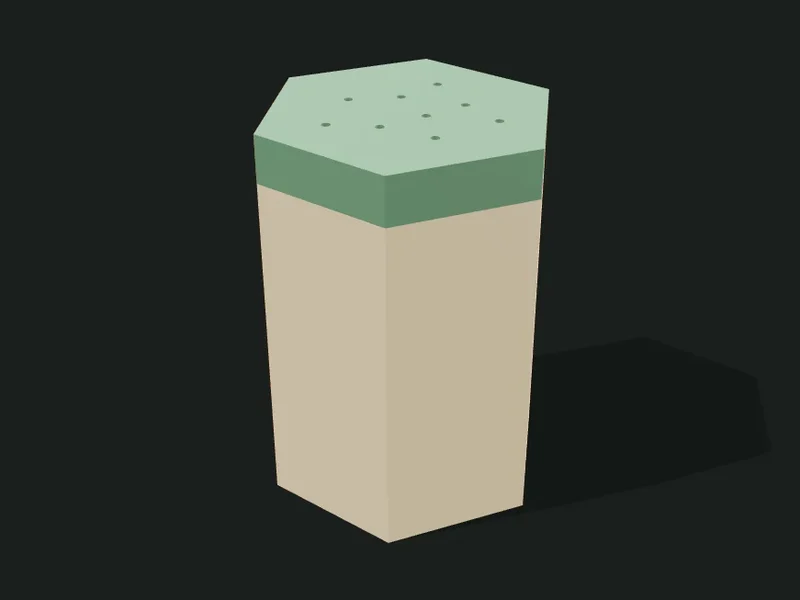
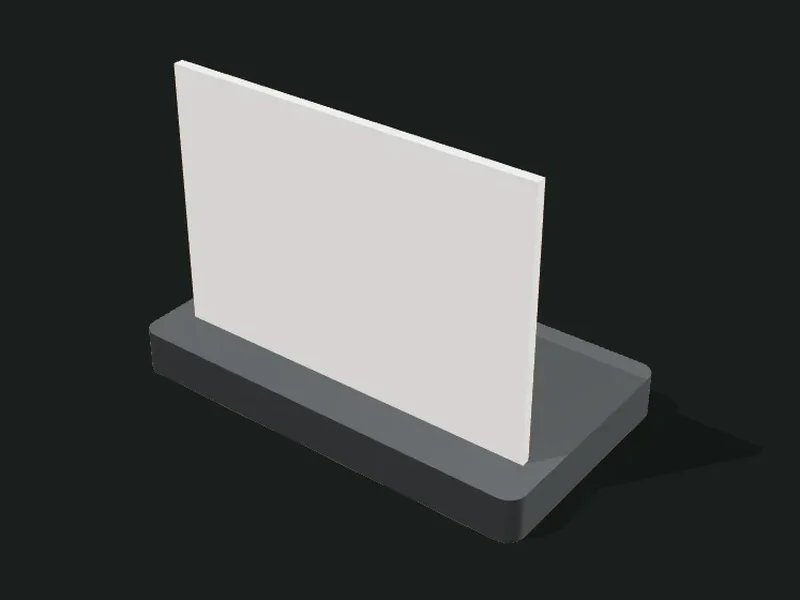
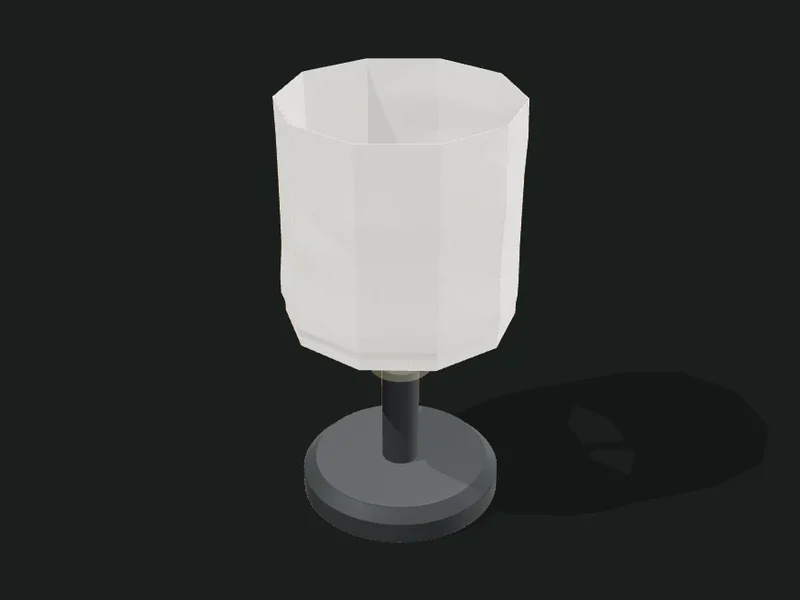
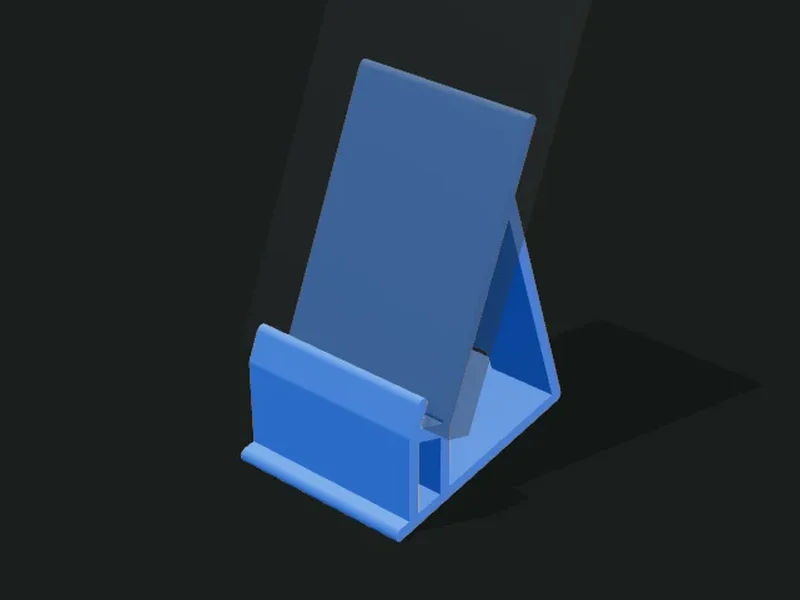
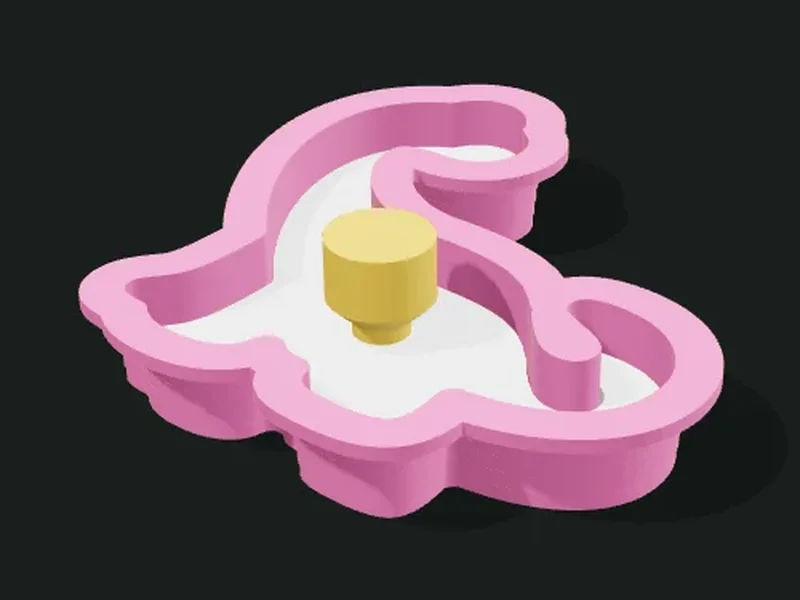
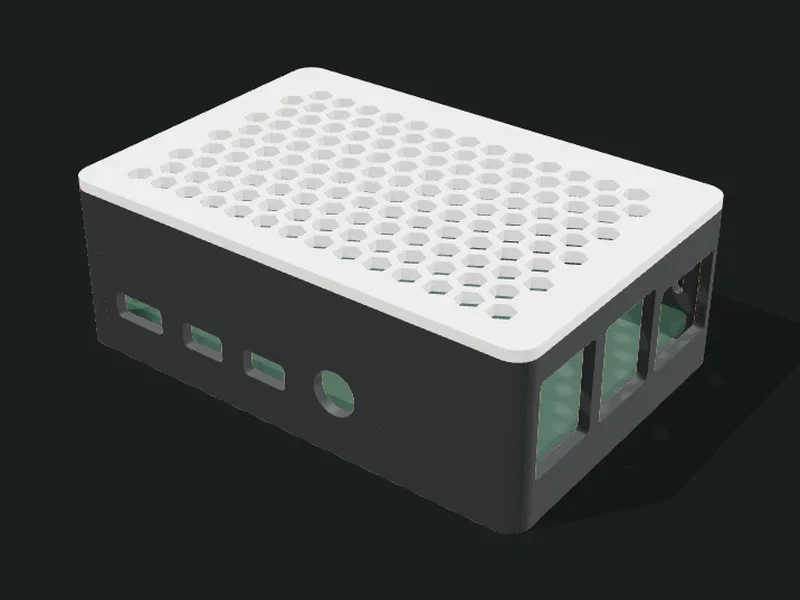
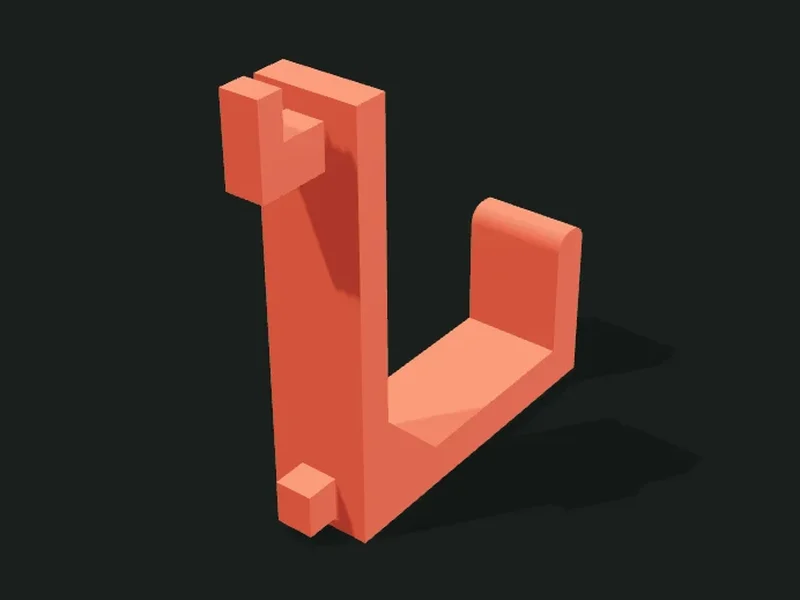
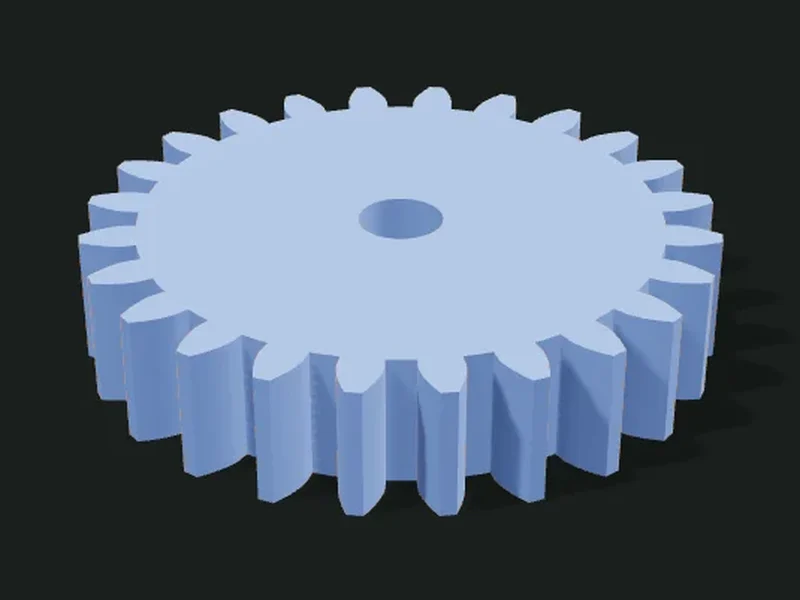
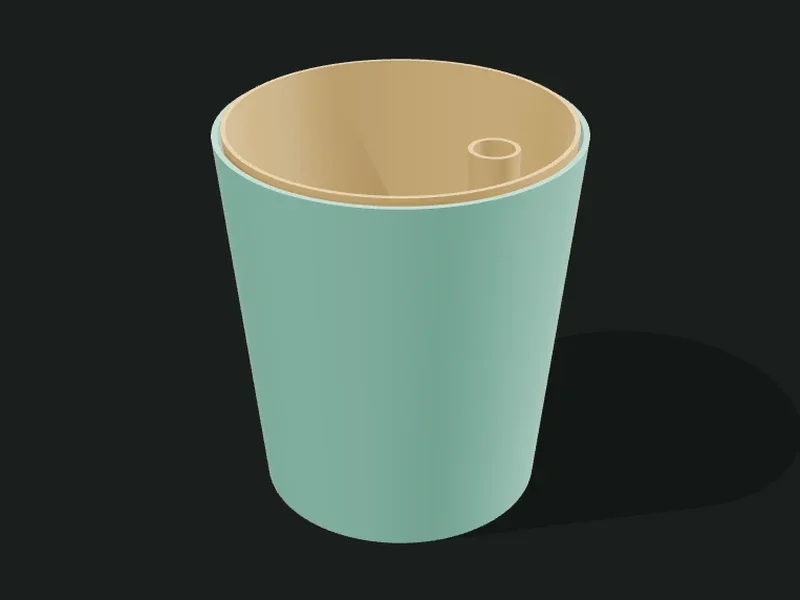
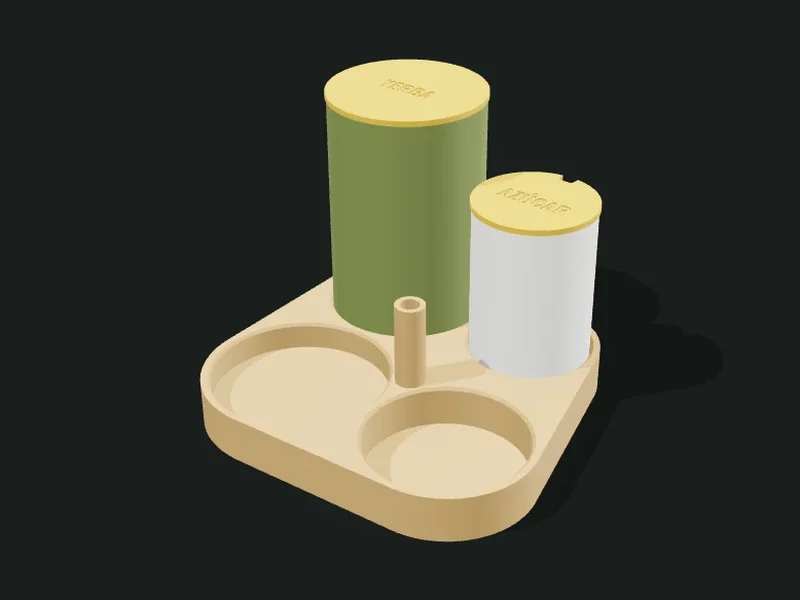
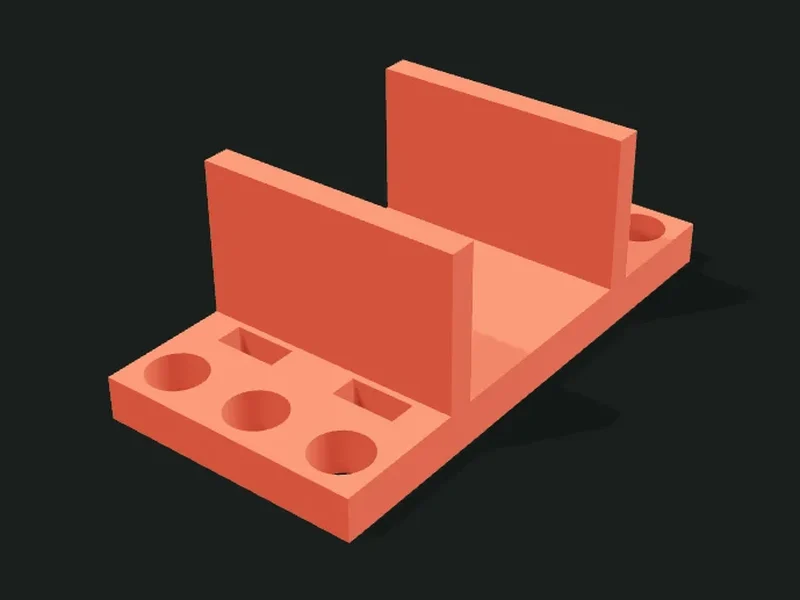
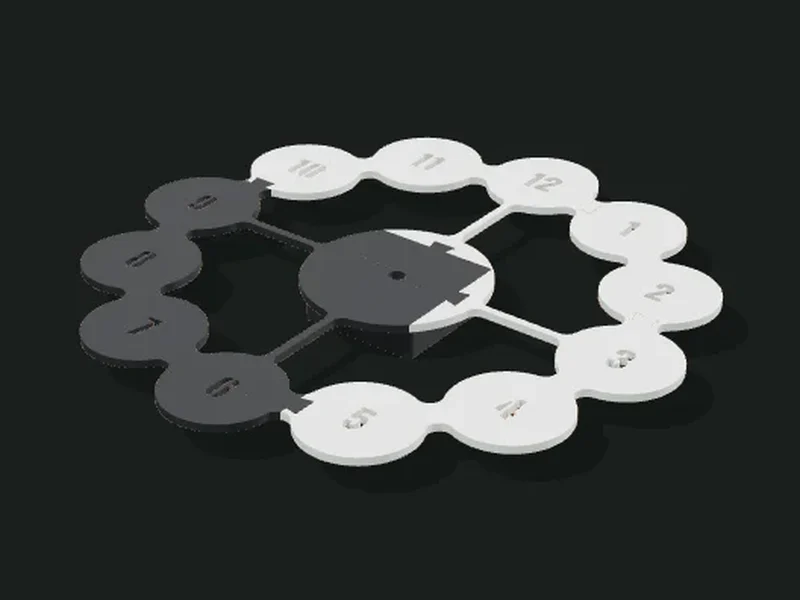
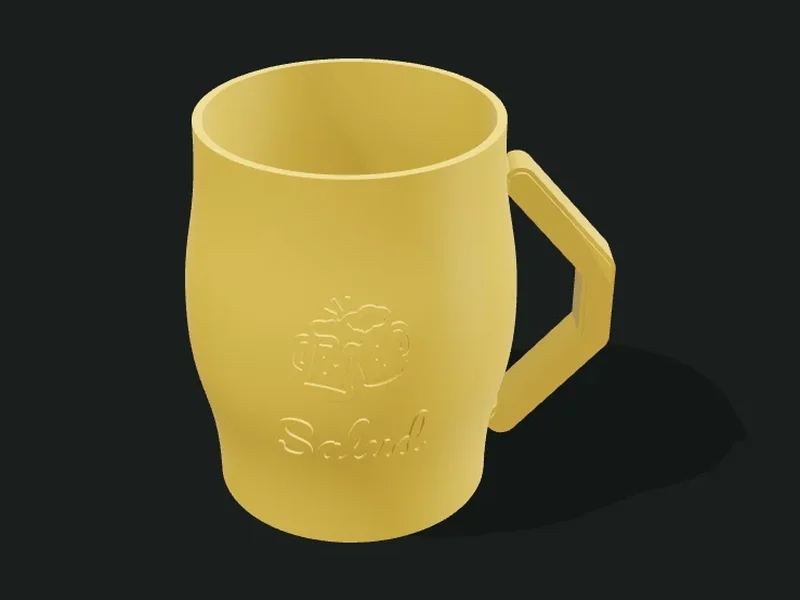
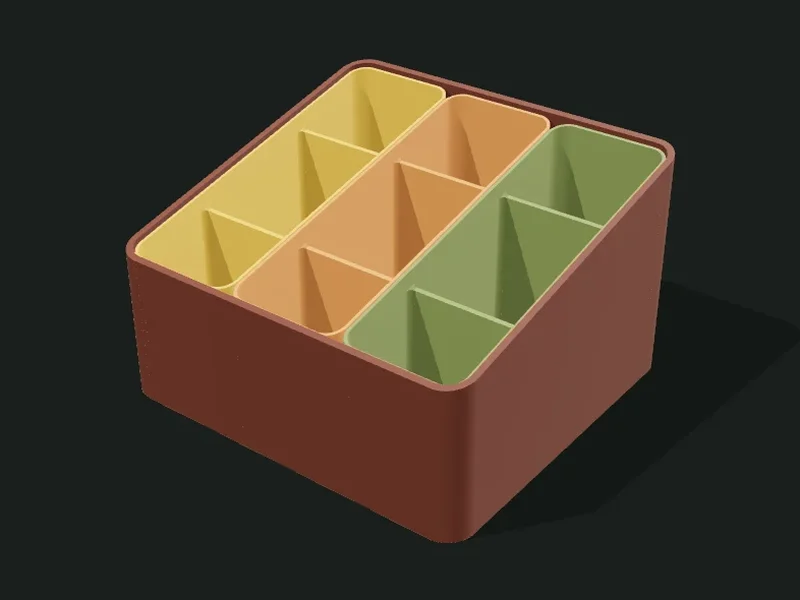
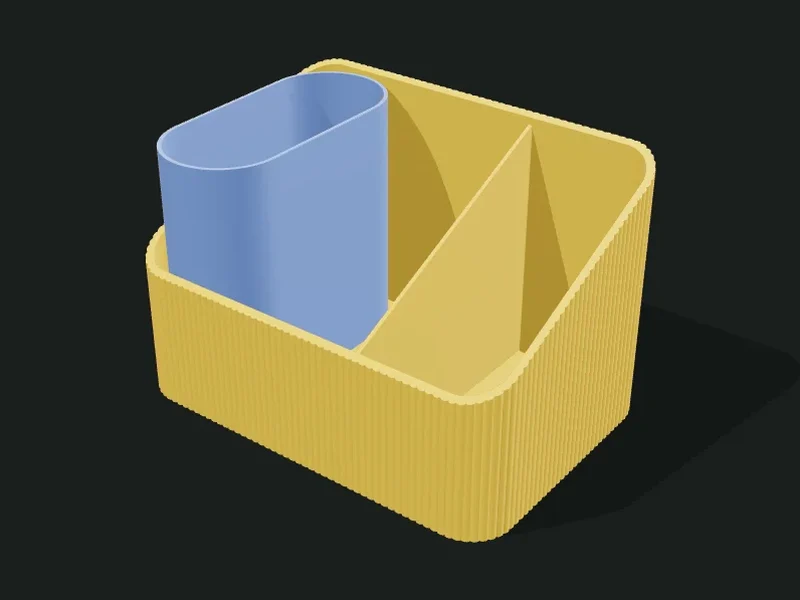
Grid box OrganizersGrid boxBox with a slanted lid and compartments; the inserts can come out as separate parts to print in another color. Slanted organizer OrganizersSlanted organizerBody with a sloped top, stepped dividers and a capsule pencil cup that fits inside. Organic lobes OrganizersOrganic lobesA silhouette of fused circles with compartments at different heights, peanut or clover style. Multi-zone desk organizer OrganizersMulti-zone desk organizerTall back block with a cup, pencils and a phone stand, plus a front tray with custom compartments. Perforated basket OrganizersPerforated basketStackable box with cut-out walls, an optional front opening and a foot that locks into the basket below. Lidded canisters OrganizersLidded canistersSet of canisters with snap-on lids and a finger hole, sitting on a matching tray. File sorter OrganizersFile sorterBase with partitions for notebooks and folders, plus a divided capsule pencil cup on the side. Interlocking capsules OrganizersInterlocking capsulesCapsule cups that cross each other at different heights, for pencils, notebooks and scissors. Rotating carousel OrganizersRotating carouselRound cup that spins on a pin, with radial dividers and a center tube; it can sit inside a grid box. Flower with inserts OrganizersFlower with insertsFlower-shaped case with a removable insert per petal and one in the center, to print in several colors. Tech caddy OrganizersTech caddyContainer with chamfered corners, cut-out panels and a front shelf with slots for USB drives and cards; the plinth prints in another color. Gridfinity OrganizersGridfinity42 mm modules compatible with the Gridfinity standard: stepped foot, stacking lip, magnets and custom baseplates. Drawer unit OrganizersDrawer unitCase with stacked sliding drawers, your choice of handle and adjustable clearance. Arch shelf OrganizersArch shelfShelf with two or more levels, arched sides and fluted trays that lock in with pegs. Hinged box OrganizersHinged boxBox with a hinged lid and snap latch; optional compartments. The hinge uses a piece of 1.75 mm filament as its pin. Soap dish HomeSoap dishRectangular, oval or corner soap dish. Draining spout, grid and tray, or slots and a back plate to hang in the shower. Wall hook rail HomeWall hook railWall rail with hooks that hang and slide. The hooks print on their side so they don’t snap. Bolt and nut Mechanics, electronics and roboticsBolt and nutBolts and nuts with real helical threads, ISO metric or a 45° printable profile. Includes a clearance test kit. Keychain PersonalizedKeychainKeychain with a name, emoji or your own SVG. Raised or two-color inlay, reinforced ring, text on the back, NFC pocket and printed carabiner. Light-up letter sign LightingLight-up letter signHollow 3D letters for LED strips, with snap-on diffuser caps and a back rail that joins them, hides the cable and screws to the wall, or a keyhole per letter. Molds MoldsMoldsMolds from your STL: rigid 2-part or multi-part, silicone mold box, mother mold or latex skin, plaster slip-casting mold or concrete planter mold. Multiple cavities, your engraved brand and material calculation. Planter / vase / cup HomePlanter / vase / cupShape the profile in a curve editor (with 3D preview), pick the cross-section and twist, and stack surface effects. Exports for vase mode, with walls, or as a planter with drainage and saucer. Jars and spice shakers HomeJars and spice shakersScrew-top jars for salt, sugar and spices: plain lid, salt shaker, sugar pourer or rotating double spice lid. Round, hexagonal or square, textured, stackable, with a thread test. Lithophanes LightingLithophanesUpload a photo and get a sheet that reveals it when lit from behind: a plate with a stand and room for an LED tea light, an arc, or a cylinder for a lamp. Lamp shades LightingLamp shadesShades for table or pendant lamps: a single even wall (from 0.6 mm) that follows the texture, curve editor and effects. Flat spider for E27/E14 sockets or a cradle for the Bambu Lab LED kit, plus turned or legged lamp bases: nipple or printed thread, cable exit, switch, counterweight and tip-over warning. Phone stands HomePhone standsDesk stands for phones or tablets: fixed, rotating or dual-axis (spins and tilts). Slot for the charging cable and a tip-over warning. Cookie cutter PersonalizedCookie cutterCutter shaped like an emoji, a text, your SVG or a basic shape. A blade that thins toward the edge, a rim to press on and an optional stamp with the design in relief. Electronics enclosure Mechanics, electronics and roboticsElectronics enclosureCustom case for Raspberry Pi, Arduino, ESP32 or your own board: screw or insert towers, cut-outs for every port, snap or screwed lid, vents and wall-mount ears. Pegboard OrganizersPegboardAccessories for IKEA Skådis or pegboards: hooks, forks, shelves, bins, tool holders and roll holders, with an anti-pull lock. Also the panel itself, printed in tiles. Gears Mechanics, electronics and roboticsGearsSpur, helical or herringbone involute gears, racks and GT2 pulleys. Printable clearance, round / D-shaft / hex bore, hub with set screw and a meshing pair at the exact distance. Self-watering planter HomeSelf-watering planterWater reservoir with any shape and effects, and an inner pot with a wick cup, funnel bottom and fill tube. The plant waters itself for days. Mate set HomeMate setBase with custom holes for the thermos, mate, yerba and sugar containers, a straw holder, and yerba and sugar containers with snap lids and an engraved name. 3D toppers and letters Personalized3D toppers and lettersCake toppers with a name, age or phrase and sticks (plain or two-color), and standing 3D letters or numbers, solid or hollow for LED lights. Cable organizers OrganizersCable organizersCombs to bundle cables, desk-edge clips, adhesive cable guides, winders and raceways with snap lids. Cables press in and stay put. Furniture hardware Furniture and hardwareFurniture hardwareKnobs and pulls with standard hole spacing, furniture feet, door wedges and corner protectors. With heat-set inserts, embedded nuts or self-tapping screws. Adapters and connectors Furniture and hardwareAdapters and connectorsInner hose connectors (straight, reducer, elbow, T, Y, cross, manifold and plug), adapters with barb, socket or faucet thread, hose clamps and nodes to build frames with rods or pipes. Rods and brackets Furniture and hardwareRods and bracketsCurtain rods, towel bars and roll holders in sections that screw or slot together (any length), with end caps, wall, ceiling or tension brackets, rings and roll holder. Robotics: beams and mounts Mechanics, electronics and roboticsRobotics: beams and mountsRobot parts compatible with LEGO® Technic™ (8 mm pitch): beams, plates and connectors; mounts for motors, servos, sensors, Arduino / ESP32 and batteries; wheels, caster, bushings, pins and a calibration part. Wall clock HomeWall clockSilhouette clocks for a standard quartz movement: flat plates that print lying down with no supports. Six styles with parameters (stone, bubbles, art deco, Voronoi, circuit and abstract) and hour marks cut through, raised in another color or engraved. Mugs and steins PersonalizedMugs and steinsCustom mugs with a handle: a sleeve for a regular glass (food-safe) or a fully printed mug. Text, emoji or logo wrapped on the wall, sections and effects like the planters, and capacity in ml.